Birthday
How to Collect Birthday Photos from Guests Without the Hassle
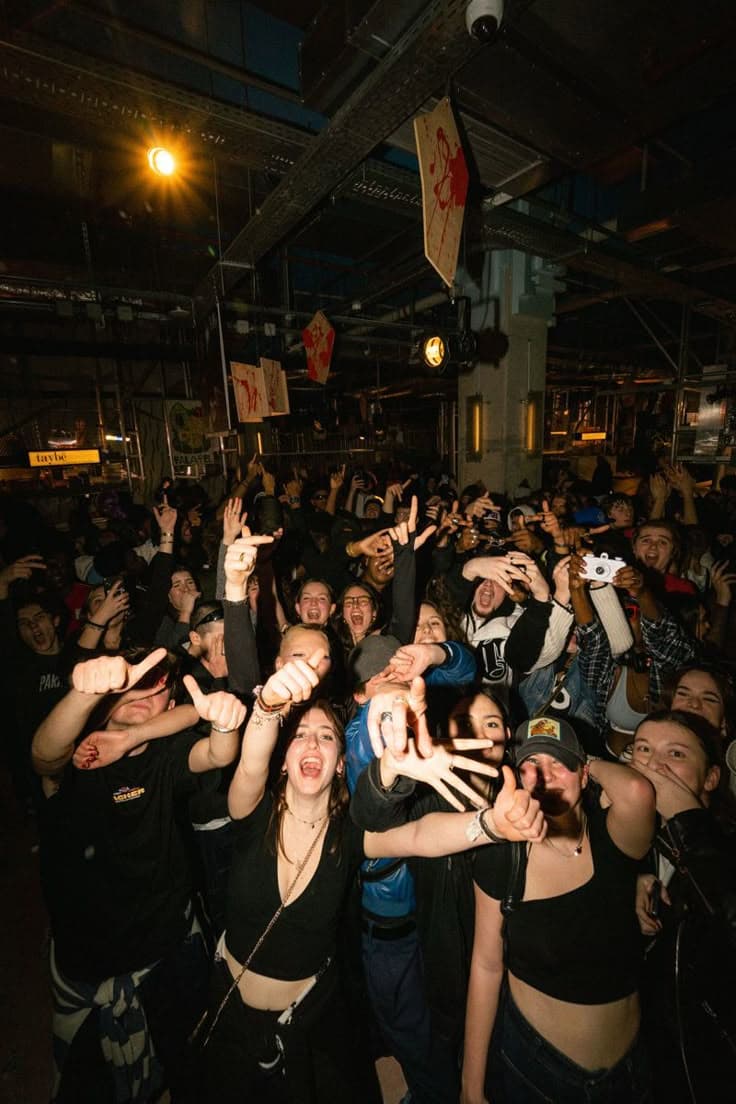
The easiest way to collect birthday photos from guests is to give them one QR code that opens a shared digital album in their browser, so every shot lands in the same place automatically. There is no app to download, no group chat to manage, and no chasing people for files the next day. Your guests already capture dozens of moments you never see, from the candid laugh during a speech to the messy frosting on a niece's cheek. The trick is simply giving them a frictionless way to share those shots as the party happens.
The Real Problem With Gathering Party Photos
Most people try one of three things. They create a WhatsApp or Telegram group and ask everyone to dump photos there. It works for a day, then the chat gets buried under new messages. They try a shared cloud folder, but half the guests do not have the right app or forget the upload link. Or they just give up and accept that most birthday memories will live scattered across twenty different phones forever.
The issue is not your guests. It is the system. People want to share photos, but they will not jump through hoops to do it. The moment sharing feels like work, participation drops. You end up with a handful of early photos and a lot of empty promises.
A Simpler Way: One QR Code, One Album
Imagine this. Your guests walk in, scan a single QR code with their phone camera, and instantly land on a shared digital album. No app to download. No account to create. No password to remember. They snap photos throughout the party, tap upload, and every picture lands in the same place, visible to everyone, organized by time, ready to browse.
That is exactly what a digital disposable camera experience feels like. It brings back the nostalgic charm of passing around a disposable camera at a party, but without the film rolls, developing costs, or waiting a week to see the results. Everything is instant, digital, and effortless.
"The best birthday photos are the ones you did not know were being taken."
How to Set It Up in Minutes
Setting up a shared photo album for your event is straightforward. You create an event, set a date, and generate a unique QR code. Print it on a small standee near the entrance, tuck it into table centerpieces, or flash it on a screen during a speech. Guests scan, shoot, and share, all from their browser.
Because it runs in the browser, it works on iPhones, Androids, and even that one friend who still uses a three-year-old Samsung. There is no concern about app store compatibility or storage space. The barrier to entry is basically zero, which means more guests actually participate.
Tips for Encouraging Guests to Share
- Announce it early. Let guests know there is a shared album as soon as they arrive. A quick mention during the welcome speech works wonders.
- Place QR codes in multiple spots. One near the entrance, one by the cake table, one in the restroom line. The easier it is to find, the more photos you will get.
- Appoint a "photo motivator." Ask one outgoing friend to remind people to upload their favorite shots. Social proof is powerful.
- Do not over-curate. Let the blurry, overexposed, weird-angle shots stay. Those are often the most honest memories.
Why This Beats the Old Ways
Shared chat groups fragment quickly. Cloud folders feel corporate and clunky. Social media tags only work if guests remember to use them, and algorithms hide half the posts anyway. A dedicated event album keeps everything in one private, browsable gallery that belongs to you and your guests.
Plus, you get the full-resolution originals. No Instagram compression, no cropped Stories, no screenshots of screenshots. Just clean, high-quality memories you can download, print, or share however you like.
From Party to Keepsake
Once the event ends, the album lives on. You can scroll through it a week later and discover moments you completely missed. A quiet hug between cousins. The dog wearing a party hat. Your best friend tearing up during the toast. These are the photos that turn a good party into a lasting memory.
If you are planning a party soon and want to avoid the usual photo-collection headache, there is a better way. Instead of begging for files after the fact, set the system up before the first guest walks in. One QR code. Zero apps. Every memory.
Ready to try it? Create your first event free and see how many memories your guests capture when sharing becomes effortless. Check out our pricing if you are expecting a larger crowd, we have options for gatherings of every size.
Try satualbum for your event
Give every guest a disposable camera through one QR. Free for 5 guests.
Create event freeNo app · everything in browser