One QR, every moment of your event
satualbum is like a digital disposable camera for events. You create one "film", guests scan a QR and shoot straight from their browser, and all the photos reveal together after the event.
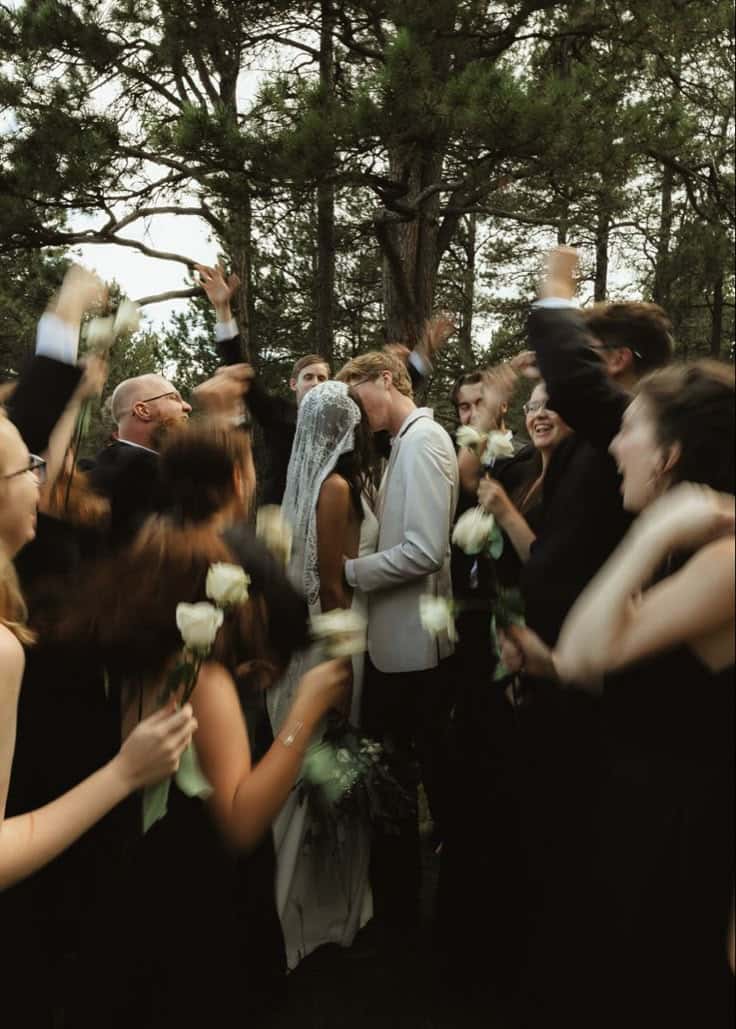
Pernikahan Emma & Noah
01 · For hosts
Create your event
- 1
Sign up & pick your event type
Create a free account (email or Google), then choose your event type — wedding, birthday, party, and more — and give it a name.
- 2
Set the dates & reveal time
Choose when the event starts and ends, then pick when photos reveal: during the event, after it, or delayed by a few hours. Tap "Next →" at each step.
- 3
Choose a camera style & cover
Pick a film preset (FunSaver, Portra, Ektar, HP5, and more) and upload the invitation card guests will see.
- 4
Set the number of guests
Choose how many guests and shots per person. Free for up to 5 guests — tap "Create". For more guests, tap "Activate Event" and pay once via Midtrans.
- 5
Get your QR & link
The "Your event is ready" page gives you a QR code and guest link, plus a custom-link option so it is easy to type.
02 · For guests
Invite & let guests shoot
- 1
Share the QR or link
Print the QR for your event table, or send the guest link over WhatsApp and Instagram.
- 2
Guests join with no app
Guests scan, enter their name, and tap "Take your camera". No download, no sign-up.
- 3
Shoot with film filters
The camera opens right in their phone. Tap "Take photo" to shoot; remaining shots show on screen. Guests can also "Upload photos" from their gallery.
Pernikahan Emma & Noah
9 photos
Your Roll
3 of 24 Shots
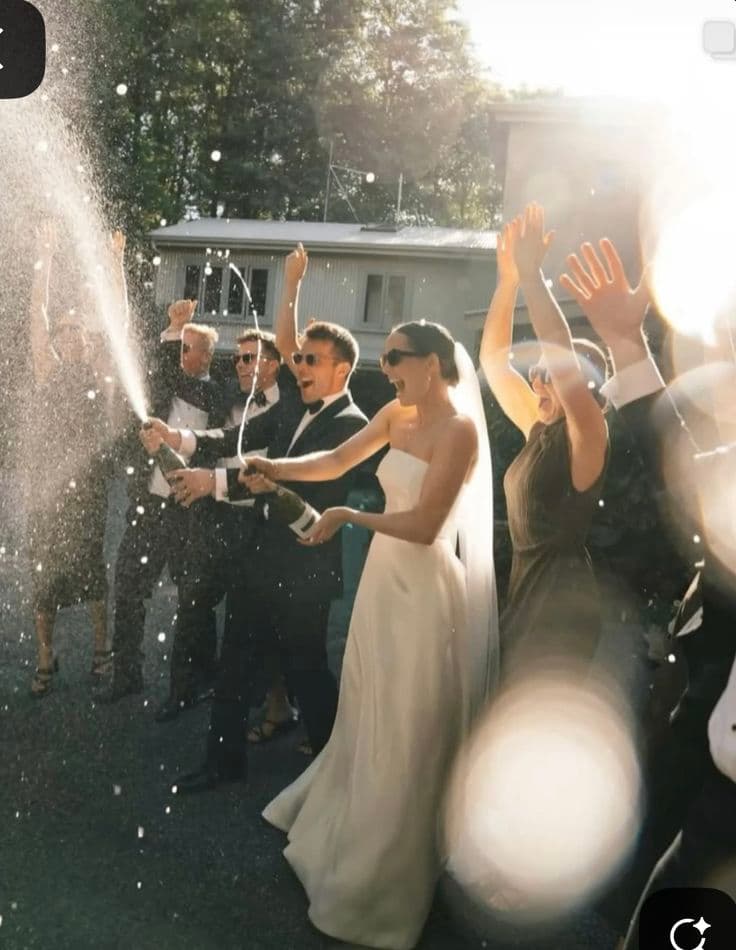
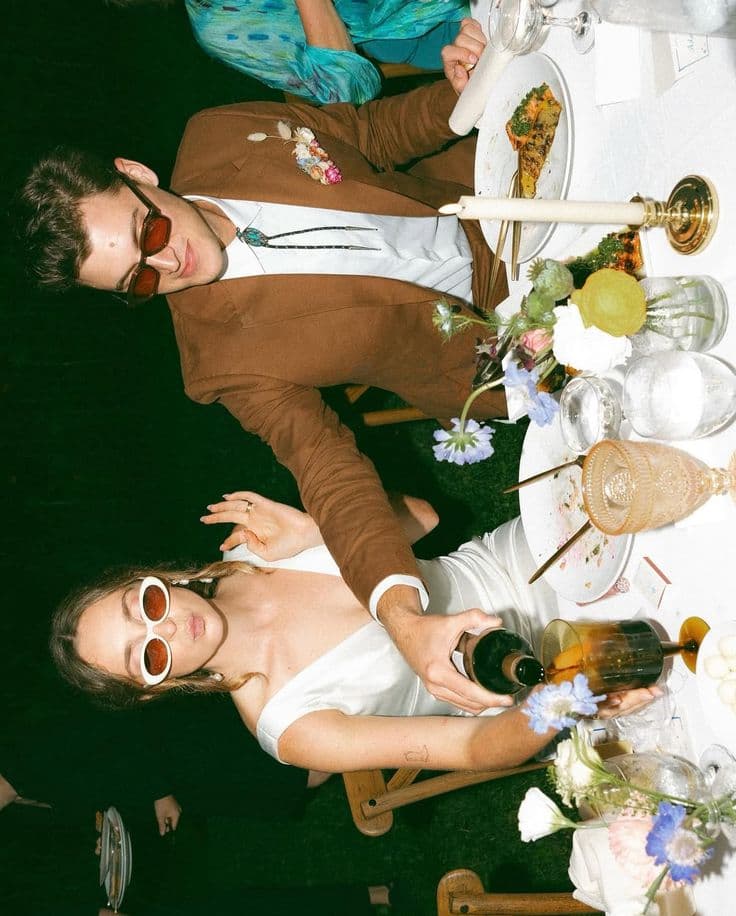
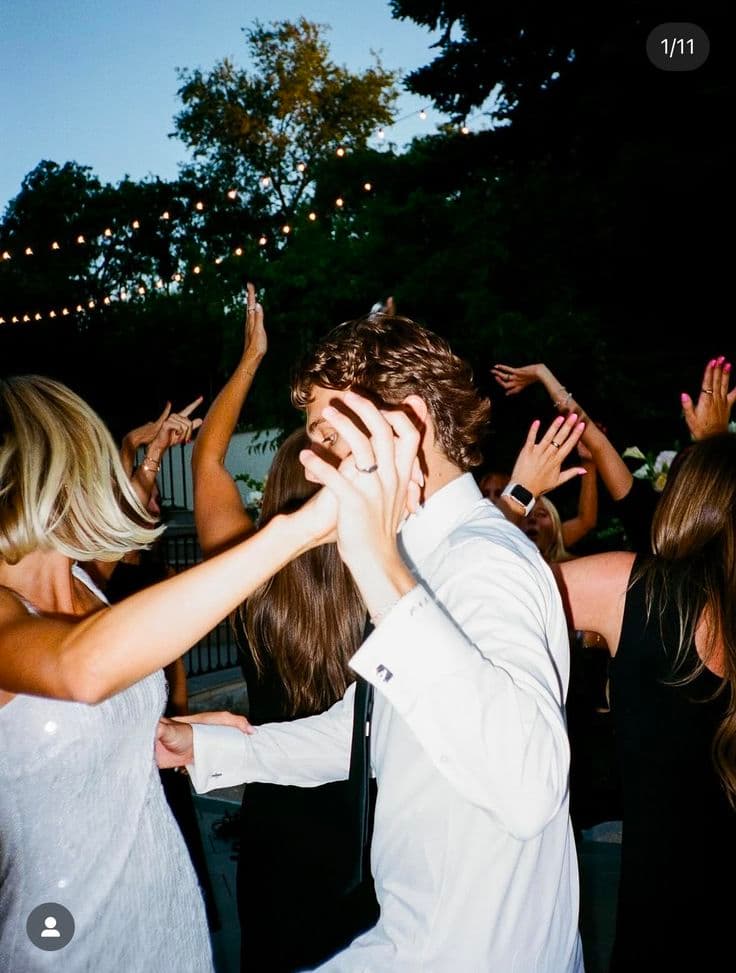
Diundang oleh Emma
Alex
03 · The payoff
Photos reveal together & download
- 1
Hidden until the moment
During the event, photos stay hidden. At the reveal time, every photo appears at once for everyone — the fun "reveal together" moment.
- 2
Browse the gallery together
After the reveal, all guests (or just the host, depending on your setting) can see the whole event gallery.
- 3
Download full-resolution photos
Tap "Select photos" → "Select all" → "Download selected". On a laptop, many photos are bundled into a single ZIP.
Common questions
Do guests need to install an app?
No. Guests just scan the QR or open the event link in any phone browser (iPhone, Android, or desktop) and shoot from there.
How much does it cost?
Free for events up to 5 guests. Beyond that, you pay once per event based on guest count — no subscription and no hidden fees.
When can photos be seen?
It depends on the reveal setting you choose when creating the event: during the event, right after it, or delayed a few hours so everyone sees them together.
Does it work on iPhone and Android?
Yes. satualbum runs in any browser, so every guest can join and shoot regardless of their phone.
How many guests can satualbum handle?
From small 5-guest gatherings to hundreds of guests. Everyone scans the same QR and gets their own camera roll.
Ready to create your event?
Make your first film in minutes. Free for your first 5 guests.
Get startedFree for 5 guests · no app