Tips
How to Share Event Photos with All Guests (No Group Chat Needed)
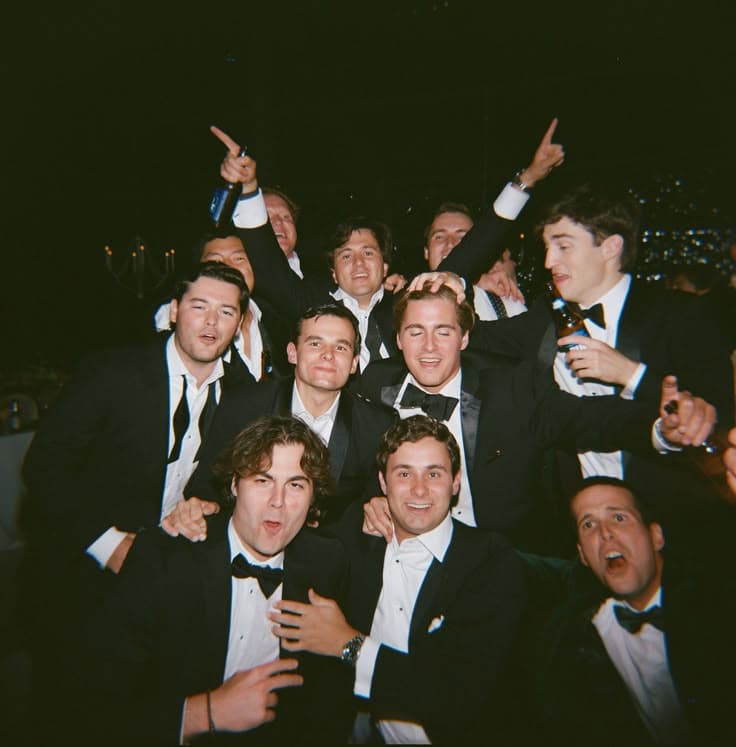
The cleanest way to share event photos with all guests is to collect them in one shared album during the event through a single QR code, then share one link afterward. This avoids compressed group chats, forgotten Dropbox links, and the endless chase for promised files that never arrive. When the music, food, and unexpected dance-off are over, you already have a complete gallery ready for everyone to enjoy.
You have been through this before. Someone starts a group chat and dumps a hundred compressed images. Another guest uploads a Dropbox link that half the room never clicks. A third person promises to send their camera roll later and never does. By the end of the week, the photos are scattered across five platforms and no one has the full picture.
It does not have to be this way. Here is a clean, modern approach to sharing event photos with every guest, without the chaos of group chats or the friction of cloud folders.
Why group chats fail as photo albums
Group chats feel convenient because everyone already has the app. But they are terrible for photo sharing. Images get heavily compressed, important shots drown in a sea of reactions and replies, and anyone who joins late misses everything that came before. Worse, not everyone wants to be in a chat with forty people they barely know.
Why cloud links get lost
Dropbox, Google Drive, and iCloud links are slightly better, but they come with their own problems. Guests need to remember to check their messages, have the right account to access the folder, and manually download anything they want to keep. For non-technical guests, this is a barrier. For busy guests, it is a task they will postpone indefinitely.
The better way: a shared event album
Instead of pushing photos out to guests, pull guests into the photos. Create a single event album before the party begins, give every guest access through one simple link or QR code, and let the collection grow organically as people upload shots throughout the day. By the time the event ends, the album is already complete, no chasing, no compression, no missing files.
How it works in practice
- Create the event. Set up your event page in under a minute. Choose a name, date, and a film aesthetic that matches the mood.
- Share one QR code. Display it on welcome signs, table cards, or the invitation. Guests scan it with their phone camera and open the camera instantly in their browser.
- Everyone shoots together. Photos are captured with a consistent filter, uploaded automatically, and appear in the shared album in real time.
- Reveal the album. Choose when the full album becomes visible. Some hosts reveal it during the event for instant fun; others wait until the next morning as a sweet surprise.
- Guests download what they love. Everyone can browse, download, and share their favorite shots without asking permission or waiting for a link.
What makes this different
- No app required. Everything works in the browser. Your grandmother and your college roommate can both use it without instructions.
- No photo compression. Images keep their quality, unlike the pixelated disasters that come out of messaging apps.
- No account barriers. Guests do not need to sign up for Dropbox, Google, or anything else. Just a name and a camera.
- One cohesive aesthetic. Every photo shares the same film preset, so the album feels curated instead of chaotic.
- Scales to any size. Whether it is an intimate birthday dinner or a large wedding reception, the system handles it smoothly.
The best photo sharing is not about the tool. It is about making guests feel like they are part of the story, not just recipients of a link.
Tips for encouraging guests to participate
Even with the perfect setup, some guests will hesitate. Make it easy by mentioning the shared camera during the welcome speech. Put QR codes in multiple places, not just one sign that gets ignored. And consider a small incentive: announce that the best candid shot of the night wins a silly prize. Nothing motivates participation like friendly competition.
Conclusion
Sharing event photos should feel like an extension of the event itself, warm, inclusive, and effortless. Group chats and cloud links were never designed for this job. A shared digital album, built around a disposable camera experience that every guest can access from their phone, is the modern answer to an old problem.
Want to stop losing photos in group chat oblivion? Create your event free and see how smooth photo sharing can be. Browse our pricing for events of any size, from small gatherings to full-scale celebrations.
Try satualbum for your event
Give every guest a disposable camera through one QR. Free for 5 guests.
Create event freeNo app · everything in browser