One phone, every voice saved
Phone Guestbook turns guest voice messages into memories you can hear again. Create one Guestbook, share a QR, and every guest can leave one private message from their browser.
Our Little Party

Leave a voice message
01 · For hosts
Create your Guestbook
- 1
Sign up & choose Phone Guestbook
Create a free account, choose Phone Guestbook from the dashboard, and give it a name.
- 2
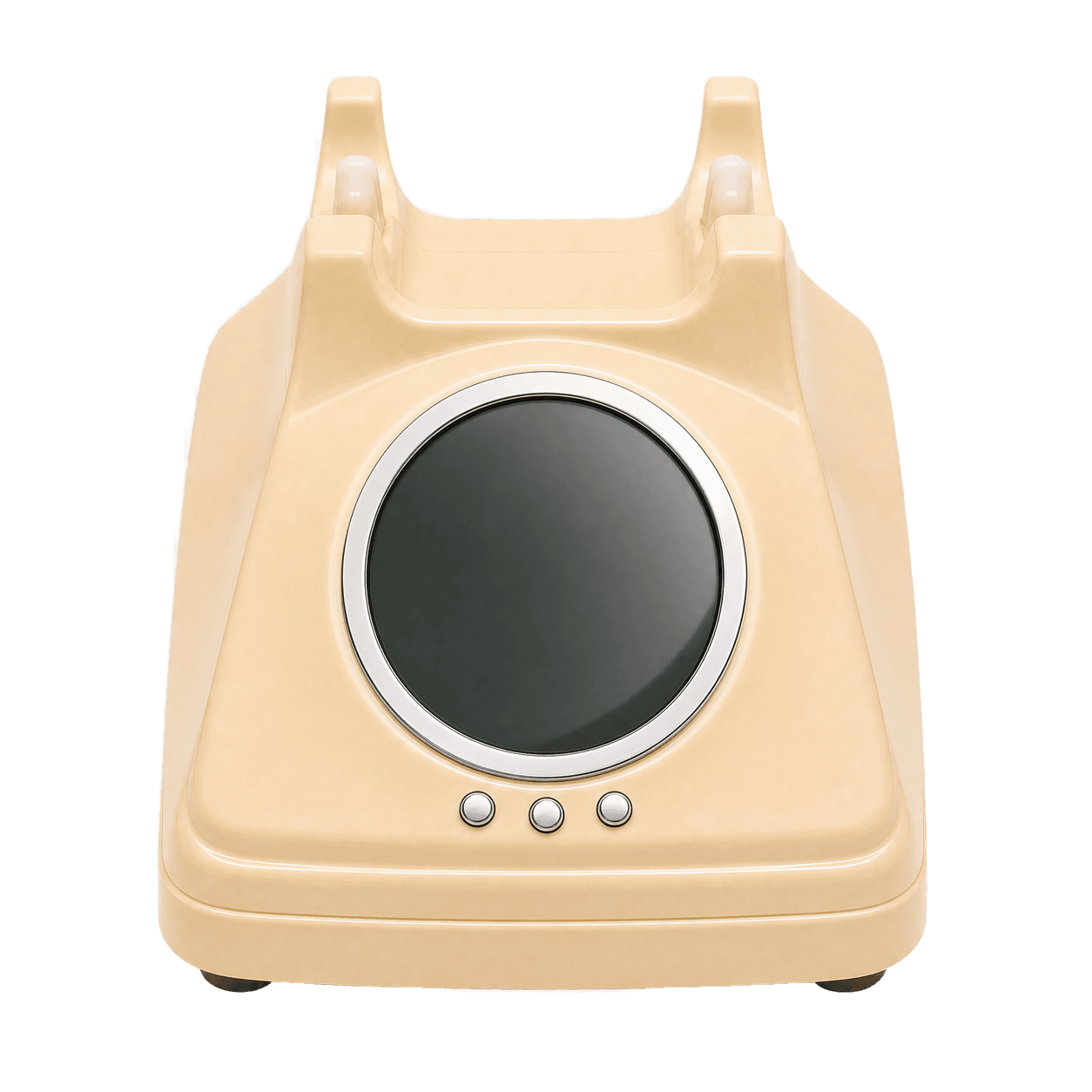
Choose the phone & color
Pick the telephone style that fits your wedding, birthday, party, or special event.
- 3
Write a guest prompt
Add a question or opening message to help guests know what they can share.
- 4
Set duration & capacity
Choose how many guests can leave a message and how long each recording can be. Free for up to 5 guests.
02 · For guests
Share it & hear their voices
- 1
Share the QR or link
Place the QR on a table, invitation, or screen. Guests scan it to open the Guestbook.
- 2
Guests pick up the phone
Guests enter their name, tap the phone button, and follow the voice prompt you prepared.
- 3
Record one private message
Each guest gets one chance to leave a voice message up to the duration you set.
Our Little Party
Leave a voice message
03 · The result
Every message, neatly collected
- 1
Messages save instantly
When a guest finishes recording, their message appears in your Guestbook with their name and recording time.
- 2
Listen whenever you want
Play messages one by one from the dashboard, or download them when you want an offline keepsake.
- 3
One memory from everyone
No messages lost in a chat. Every voice stays in one place you can easily return to.
Frequently asked questions
Do guests need to install an app?
No. Guests scan the QR or open the Guestbook link in their phone browser.
How many messages can I collect?
Capacity follows the guest limit you choose. The Starter plan is free for up to 5 guests.
Are voice messages private?
Yes. Messages can only be played and managed by the Guestbook host.
How long can each message be?
You choose the message duration while setting up your Guestbook.
Ready to collect their voices?
Create your first Guestbook and share one QR. Free for your first 5 guests.
Get startedFree for 5 guests · no app required